To send messages to the till
Go into F:\IT\Till_Message
Edit message.txt with the message you want to send to the tills.
the message must not go past the lines that are there already or it won't fit on the receipt,
but it can be as long as needed.
Save the message and then save as date and subject as well So there is a record of what has been sent.
The message has to be sent from the EPOS server via Platinum.
Log onto epos
Log in to Platinum
Go to Reports and Parameters
Reports
Account Report Generator
Type CMT (Platinum sends messages by running a report and copying files to tills)
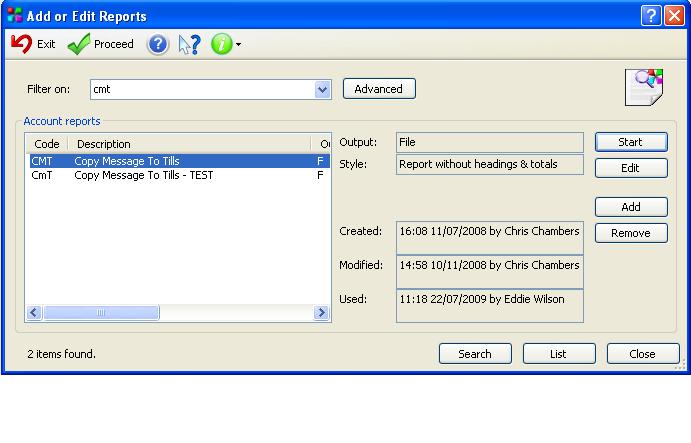
There is a test option and a send option where you can select the range of shops. Use CmT Test to send to the test till first just to check.
Press Start and Start
You will then get an option which allows you to choose the range of shops you wish to send messages to.
Usually this is already set up to send from shop JG0001 to JG0402 but this does not include Irish shops.